



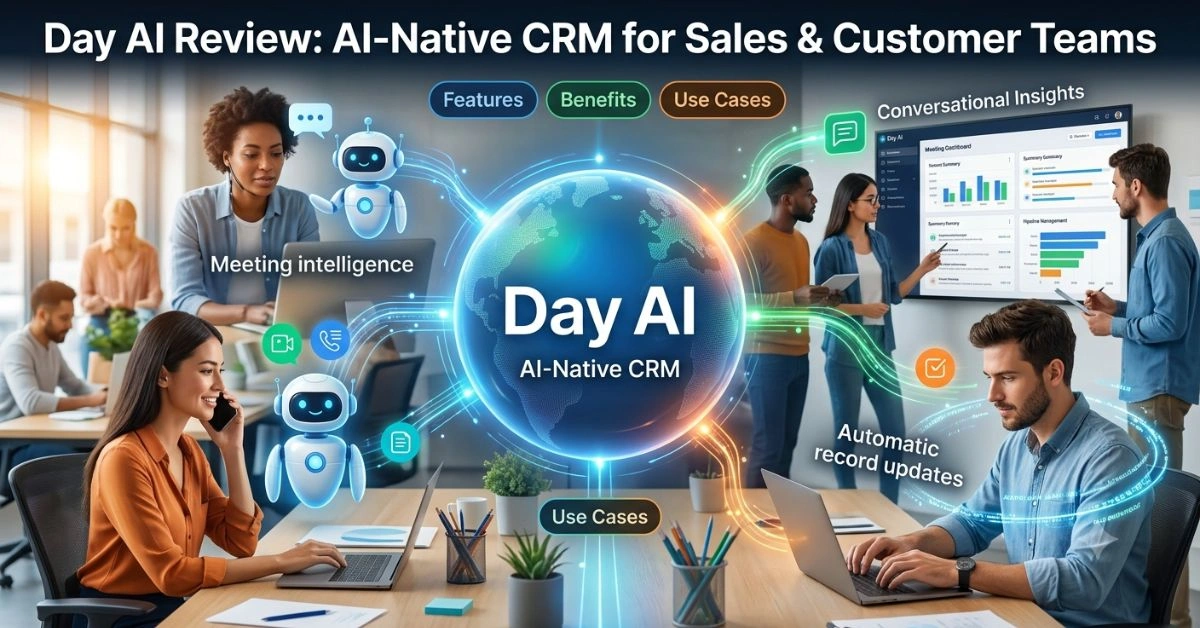
Sales and customer teams spend too much time updating records and piecing together context from scattered emails, calls, and notes. It addresses this by building a living memory of customer interactions that updates itself. Built by former HubSpot executives, it aims to make CRM feel like a helpful colleague rather than a chore.
This guide covers everything from setup and core mechanics to real-world applications, limitations, and what the future might hold. Whether you’re a solo founder tracking early leads, a sales leader managing a growing team, or a marketer coordinating campaigns, you’ll find practical details here.
Introduction
Customer relationship management has long been essential but often painful. Traditional systems require constant manual updates, leading to incomplete data and frustration. It takes a different approach: it treats customer conversations as the primary source of truth and uses AI to structure them automatically.
Launched publicly after extensive beta testing, it raised $20 million in Series A funding led by Sequoia Capital. It positions itself as “CRMx” – CRM plus deep context – designed for an era where humans and AI agents collaborate closely.
The platform connects to your existing tools (email, calendar, video conferencing, Slack) and quietly builds a comprehensive view of every relationship. Instead of logging activities after the fact, you focus on the conversation while Day AI handles the rest.
What Is Day AI?
Day AI is an AI-native customer relationship management platform. It merges three traditionally separate tools into one: a meeting assistant, a CRM database, and a knowledge base.
Unlike legacy CRMs that rely on users entering data, it ingests unstructured information from daily work—emails, meeting transcripts, chat threads—and turns it into structured records: contacts, companies, deals, notes, tasks, and insights.
Key differentiators include:
- Automatic population: It scans historical emails and calendar events during onboarding to bootstrap your database.
- Conversational interface: Query or update records using natural language in Slack, Claude, or dedicated assistants.
- Memory layer: It maintains context across all interactions, so AI agents or team members always have the full picture.
Founded in 2023 by Christopher O’Donnell (former HubSpot CPO) and Michael Pici, the company draws on deep experience in sales software. It targets relationship-driven teams who value context over rigid pipelines.
How Day AI Works
Setup is straightforward. Connect your Google Workspace or Microsoft 365 account, and Day AI begins scanning permitted data sources. Onboarding can take as little as 15 minutes for basic functionality, with historical data populating in the background.
The meeting assistant joins Zoom or similar calls (no login required for the bot). It records, transcribes, and generates summaries, key points, action items, and sentiment analysis. Post-meeting, these feed directly into relevant contact or deal records.
Email integration pulls in threads, identifies participants, extracts intent or requirements, and links them to records. Slack integration allows chatting with your Day AI assistant (@dayai) to ask questions, add notes, or trigger tasks.
At the core is a context graph or knowledge base that connects everything. When you or an AI agent queries it, responses draw from the full history rather than isolated entries. This compounding effect means the system improves as your team works normally.
Key Features of Day AI
Day AI includes several practical capabilities:
- Meeting Intelligence: Auto-join, transcription, summaries, action items, and follow-up suggestions.
- Email & Conversation Ingestion: Automatic parsing and linking of threads.
- Conversational CRM: Natural language queries and updates (e.g., “What’s the status on Acme deal?” or “Add pricing discussion from yesterday’s call”).
- AI Assistants: Custom-named agents that act as co-pilots, accessible via Slack or integrated models like Claude.
- Knowledge Base: Searchable repository of all customer context, relationships, and history.
- Pipeline Management: Automated deal tracking derived from conversations.
- Integrations: Google Workspace, Microsoft 365, Zoom, Slack, with more expanding.
These features emphasize ambient intelligence—working in the background without constant user input.
Table 1: Overview of Day AI
| Aspect | Description | Traditional CRM Comparison |
| Data Entry | Automatic from conversations | Manual logging |
| Core Components | Meeting assistant + CRM + Knowledge base | Separate tools |
| Query Method | Natural language (Slack, AI chat) | Forms and reports |
| Onboarding Time | ~15 minutes + background sync | Weeks of migration |
| Primary Strength | Customer memory and context | Structured data tracking |
| Target Users | Sales, success, founders, marketing teams | Enterprise sales teams |
Benefits of Using Day AI
Teams report significant reductions in administrative work. Automated summaries and action items cut post-meeting follow-up time. Natural language access means less time searching records and more time engaging with customers.
Context awareness helps prevent knowledge loss when team members change roles. Faster access to full relationship history improves personalization in outreach and support.
For leaders, it provides better visibility into team activities without micromanagement. Insights surface naturally from conversations rather than forced updates.
Many users highlight the compounding value: the more your team communicates normally, the richer and more useful the system becomes.
Day AI Use Cases
Sales Development: Automatically qualify leads from email exchanges and schedule follow-ups based on detected interest.
Account Management: Track expansion opportunities by spotting mentions of needs or pain points across threads.
Customer Success: Monitor health signals from support conversations and proactively address issues.
Founders & Small Teams: Maintain professional relationship tracking without dedicated ops staff.
Cross-Functional Coordination: Marketing, sales, and product teams share unified customer context.
It also supports AI agent workflows, where autonomous agents pull from Day AI’s memory to handle routine tasks while humans focus on high-value work.
Day AI for Businesses
Small to mid-sized businesses benefit from low-friction adoption. No massive data migration or lengthy training—connect accounts and go. It levels the playing field against larger competitors by providing enterprise-grade memory at startup speed.
Larger organizations use it as a companion layer alongside existing systems or for specific teams needing stronger conversation intelligence.
Day AI for Content Creators
While primarily sales-focused, content creators and agencies use Day AI to track client feedback across calls and emails. It helps maintain a consistent voice and incorporate real customer language into new materials. Meeting summaries capture nuanced requirements for deliverables.
For freelance creators managing multiple clients, the unified view reduces context-switching between projects.
Day AI for Marketing Teams
Marketing benefits from richer customer insights for campaign personalization. Querying conversation history reveals common objections, preferred channels, or emerging trends. Automated notes from sales calls feed directly into content briefs or A/B test ideas.
It bridges the traditional gap between marketing and sales by making customer voice accessible across departments.
For more on AI’s broader role in business transformation and governance challenges, see this discussion on AI transformation as a governance issue.
Day AI Compared to Traditional Solutions
Traditional CRMs like Salesforce or HubSpot excel at structured processes and reporting but often suffer from stale data due to manual upkeep. It flips this by prioritizing unstructured conversation data as the foundation.
It acts more as a productivity and intelligence layer than a full workflow replacement in some cases. Teams sometimes use it alongside legacy systems during transition.
Compared to standalone meeting assistants (e.g., Fireflies, Otter), it connects insights across all touchpoints into a persistent CRM.
Table 2: Features and Benefits Comparison
| Feature | Day AI | Traditional CRM | Standalone Meeting AI |
| Auto Transcription | Yes | Limited/Add-on | Yes |
| Automatic CRM Population | Strong | Weak | No |
| Natural Language Query | Core | Emerging | Limited |
| Cross-Channel Memory | Yes | Partial | No |
| Action Item Automation | Strong | Basic | Moderate |
| Onboarding Effort | Low | High | Low |
Pros and Cons of Day AI
Pros:
- Dramatically reduces data entry.
- Excellent conversation intelligence and summaries.
- Fast onboarding and natural querying.
- Builds compounding knowledge over time.
- Strong for context-heavy relationship selling.
Cons:
- May not fully replace complex enterprise workflows yet.
- Integration depth varies (still growing).
- Pricing can add up for heavy usage or larger teams.
- Learning curve for maximizing AI assistants.
Table 3: Pros vs Cons
| Pros | Cons |
| Eliminates manual updates | Potential gaps in advanced reporting |
| Rich contextual memory | Dependency on connected data sources |
| Conversational ease of use | Usage-based costs for power users |
| Quick value from conversations | Still maturing ecosystem |
| AI agent friendly | Transition from legacy systems |
Common Challenges and Limitations
Data privacy and permissions require careful setup—teams must balance access with security. Not every conversation fits neatly into CRM fields, so some manual refinement may occasionally help.
Scalability for very large enterprises with highly customized processes is still evolving. Heavy reliance on AI means occasional hallucinations or misinterpretations, though accuracy improves with more data.
Teams accustomed to rigid processes may need time to adapt to a more fluid, conversation-first approach.
Best Practices for Getting Results with Day AI
- Start with core integrations (email + calendar) and expand gradually.
- Encourage natural team communication in connected channels.
- Use AI assistants daily for queries to build familiarity.
- Review and refine key summaries initially to train the system.
- Combine with your existing tools rather than forcing a full rip-and-replace.
- Define clear guidelines for what gets shared versus kept private.
For teams building custom applications or full-stack solutions on top of AI foundations, explore resources like this Bldr AI full-stack app builder review.
Future of Day AI
As AI agents become more capable, it is positioned to serve as the memory and coordination layer for autonomous customer-facing workflows. Expect deeper agentic capabilities, broader integrations, and more sophisticated predictive insights derived from conversation patterns.
The company emphasizes building for a world where humans and AI collaborate seamlessly. Continued investment from Sequoia and others suggests aggressive development in this direction.
Frequently Asked Questions (FAQ)
1. What is Day AI exactly?
Day AI is an AI-native CRM that automatically captures and organizes customer conversations from emails, meetings, and chats into a unified knowledge base and database.
2. How much does Day AI cost?
Pricing is primarily per AI assistant with hybrid seat/usage elements. Contact sales for current details as models evolve.
3. Does Day AI replace Salesforce or HubSpot?
It can for many teams, especially those prioritizing conversation context. Others use it as a powerful companion layer.
4. Is my data secure?
The platform follows standard enterprise security practices. Review permissions carefully during setup.
5. Can I use Day AI with existing tools?
Yes. It integrates with Google Workspace, Microsoft 365, Zoom, Slack, and more.
6. How accurate are the meeting summaries?
Users generally praise quality, especially for key points and action items, though complex discussions may need spot-checking.
7. Who is Day AI best for?
Sales, customer success, and relationship-focused teams at startups through mid-market companies.
8. Does it support mobile access?
Through integrations like Claude mobile or Slack, yes. Native apps may expand.
9. How long does setup take?
Basic functionality in minutes; full historical sync runs in the background.
10. What makes Day AI different from other AI CRMs?
Its focus is on building a complete, queryable customer memory layer from day-to-day work rather than just automating isolated tasks.
Final Thoughts
Day AI represents a meaningful shift in how teams manage customer relationships. By making CRM work in the background through natural conversations and intelligent processing, it frees people to focus on what matters: building genuine connections and solving real problems.
It won’t magically fix every sales process overnight, but for teams tired of stale data and administrative overhead, it offers a practical path forward. The combination of automatic capture, conversational access, and compounding knowledge creates a system that improves with use.
As the platform matures and AI capabilities advance, it is well-placed to become a standard tool for customer-facing work. If your team values context and relationships, it’s worth exploring.