



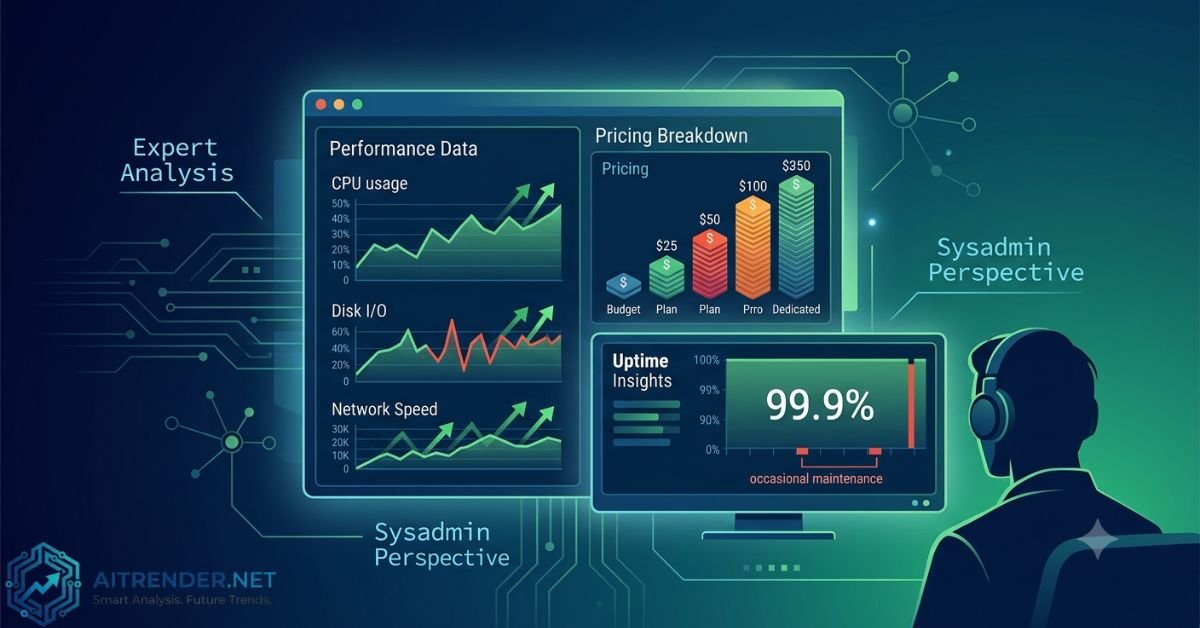
As a system administrator who’s provisioned hundreds of VPS instances across various providers over the past decade, I approach reviews like this with one goal: cut through the marketing noise and deliver the practical details that actually matter when your sites, apps, or services are on the line. vpsRus has been around for years as a low-end player, popping up frequently in LowEndTalk discussions with aggressive pricing on OpenVZ, KVM, NAT VPS, and dedicated servers. But does it hold up in 2026 for real workloads?
This review draws from historical user reports, forum benchmarks, technical specs shared by the provider and customers, and standard expectations for budget hosting. I’ll break down what vpsRus actually delivers, where it shines for cost-conscious users, and where it might leave you scrambling.
What is vpsRus?
vpsRus operates as a budget hosting provider specializing in affordable virtual private servers and dedicated hardware. The company, associated with ITM Services, has maintained a low-profile presence since around 2013, focusing primarily on the low-end market rather than competing with big cloud giants like DigitalOcean or Linode.
Their infrastructure includes locations in the US (notably Kansas City via Wholesale Internet datacenter partnerships in older setups) and possibly other spots. They offer virtualization options like OpenVZ (container-based, lighter resource overhead but less isolation), KVM (full virtualization for better security and compatibility), LXC containers for NAT setups, and bare-metal dedicated servers.
Key characteristics:
- Target audience: Developers, hobbyists, small projects, VPN setups, testing environments, or users needing cheap dedicated resources who don’t require enterprise SLAs.
- Management: Mostly unmanaged or lightly managed. You get root access and handle OS, security, and optimizations yourself.
- Billing: Flexible terms, often monthly, with promotions common on deal forums. Expect PayPal and similar options.
It’s not a full-service host with fancy dashboards or one-click app installers beyond basic panels. Think straightforward SolusVM or custom client area for control.
This keeps overhead low and prices aggressive, but it also means you’re on your own for most troubleshooting.
Technical Features & Performance Analysis
Performance in budget VPS varies wildly depending on node load, so real-user data from forums provides the best insight. Older reviews highlight Atom-based nodes for entry-level NAT VPS, which delivered usable but not snappy CPU performance (single-core scores from that era were low). Upgrades to Xeon setups improved things noticeably.
Speed and Hardware:
- Storage: Mix of HDD and some SSD/SAS in dedicated offerings. I/O speeds in tests ranged from 30 MB/s on older shared nodes to 200+ MB/s on better hardware.
- Network: Ports often 100 Mbps to 1 Gbps. Users reported 300 Mbps+ bursts in NAT setups on upgraded nodes. Latency depends on your location—decent for US/EU but higher for Asia.
- CPU: Entry plans use older Intel Atoms or shared Xeons. Not for CPU-heavy tasks like video encoding, but fine for web serving, proxies, or light databases.
- RAM: Guaranteed allocations in KVM; OpenVZ can have burst potential but risks contention.
Uptime Realities:
Budget providers rarely publish independent uptime stats. User reports from LowEndTalk mention occasional reboots or node issues, with some periods dipping below 99% in older NAT clusters. Stable dedicated servers fare better according to long-term users. Expect 99%+ with proper monitoring, but plan for occasional maintenance. No fancy DDoS protection or global anycast mentioned prominently—basic filtering at best.
In practice, for non-critical projects, this setup works. For production sites handling real traffic, you’d want monitoring tools like UptimeRobot, proper backups, and possibly multi-provider redundancy.
Other Features:
- IPv6 support, including subnets in some plans.
- TUN/TAP for VPNs (request-enabled).
- Port restrictions (e.g., outbound 25 often filtered to curb spam).
- Basic control panel access for reboots and reinstalls.
Overall, hardware feels dated compared to 2026 NVMe-heavy mainstream options, but the value proposition is raw compute at rock-bottom prices.
Detailed Plans, Pricing, and Value for Money
vpsRus emphasizes affordability. Plans evolve with promotions, so always verify current offers on their site. Here’s a synthesized comparison based on historical and reported configurations (prices approximate; check for latest deals):
| Plan Type | vCPU | RAM | Storage | Bandwidth/Port | Price (approx./mo) | Best For | Virtualization |
| Entry NAT/LXC | Shared | 128-512 MB | 5-10 GB | 100-1000 Mbps | $0.25 – $3/year promo | VPN, testing, proxies | LXC/OpenVZ |
| Basic OVZ/KVM | 1 | 1 GB | 20-50 GB HDD/SSD | 1 TB / 100 Mbps | $1.90 – $5 | Light websites, bots | OpenVZ/KVM |
| Mid-tier KVM | 2-4 | 2-4 GB | 50-100 GB | 2-4 TB / 1 Gbps | $8 – $15 | Small apps, databases | KVM |
| Dedicated Entry | 4+ cores (Xeon) | 8-16 GB | 500 GB+ HDD/SAS | 1 Gbps unmetered | $18+ | Hosting resellers, services | Bare Metal |
| Higher Dedicated | 8+ | 32+ GB | RAID SSD/HDD | 1 Gbps+ | $50+ | Serious workloads | Bare Metal |
Value Breakdown:
- Pros on Price: Extremely competitive for what you get. A 1 GB OpenVZ plan at under $2/month beats many competitors for throwaway or backup instances. Dedicated servers start low enough to appeal to small businesses scaling beyond VPS.
- Transparency: Clear resource allocation in client area, but expect overselling risks on shared virtualization. No long-term contracts usually, which is flexible.
- Hidden Costs: Potential upgrade needs for better performance, manual config time, or downtime impacting business.
For hobbyists or side projects, the math works. For businesses with revenue on the line, calculate the cost of potential issues—cheaper isn’t always cheaper long-term.
Pros and Cons
Pros:
- Aggressive pricing that undercuts many alternatives.
- Responsive support in user reports—tickets answered quickly by real people familiar with low-end setups.
- Flexible options including NAT IPv6, dedicated hardware, and easy upgrades.
- Decent network speeds for the cost in tested nodes.
- Longevity in the low-end space with repeat customers on forums.
Cons:
- Older hardware in entry tiers limits heavy workloads.
- Uptime and node stability can vary; not enterprise-grade.
- Limited advanced features (no managed services, basic security tools).
- Port filtering and location-specific quirks (e.g., IPv6 routing).
- Sparse public documentation or modern benchmarks.
This is a realistic trade-off for budget hosting. It won’t win awards for innovation but delivers functional servers when expectations match the price.
Contextual Insights on Hosting Choices
When evaluating providers like vpsRus, consider your broader infrastructure strategy. For teams navigating complex decisions around technology adoption and operational efficiency, resources on governance in tech transformations can provide useful frameworks. Similarly, entrepreneurs building sustainable operations often benefit from guides emphasizing clarity and focus in business models.
These perspectives highlight that choosing the right hosting layer supports long-term goals without overcomplicating day-to-day management.
1. Is vpsRus reliable for production websites?
It can work for low-traffic sites or static content with good optimization and monitoring. For higher traffic or e-commerce, pair it with CDN and backups, or consider upgrading to dedicated. Historical reports show stability for many users, but test thoroughly.
2. How does support compare to bigger hosts?
Users praise fast, friendly ticket responses from knowledgeable staff. It’s not 24/7 live chat with scripts—expect email/ticket-based help that gets technical issues resolved without corporate runaround.
3. What about backups and data recovery?
Typically self-managed. Set up your own rsync, snapshots if available, or offsite backups. Don’t rely on the provider for automatic daily backups in basic plans.
4. Can I run a VPN or proxy on vpsRus?
Yes, many do. TUN/TAP is available on request, and NAT plans suit this use case. Be aware of port restrictions (no outbound email usually) and fair usage.
5. Is there a money-back guarantee?
Details vary; older info suggests limited or none. Always review terms before purchasing, and start small to test compatibility.
Final Thoughts
vpsRus earns its place as a solid budget option for developers, tinkerers, and small-scale deployments who prioritize low cost and basic functionality over polished enterprise features. If you’re comfortable managing servers, need cheap dedicated resources, or run non-critical workloads, it delivers real value—often at prices that make experimentation painless.
That said, it’s not for everyone. Businesses requiring guaranteed uptime, modern NVMe performance, or hands-off management should look at mainstream alternatives. Test with a small plan, monitor closely, and scale accordingly.
For More Information Visit Aitrender.